
Never miss a Teams notification again
The smartest way to monitor your remote desktop for Microsoft Teams messages, calls, and notifications using real-time OCR.
Works with PiKVM, GL.iNET, TinyPilot, and more
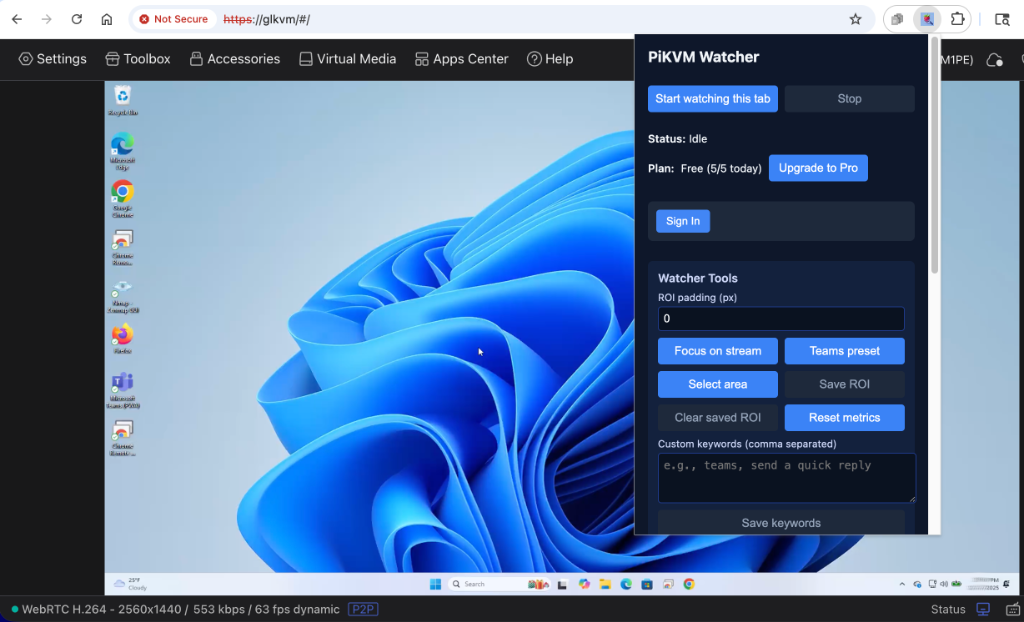

The problem with remote KVM
You're using PiKVM or another IP-KVM device. It's great for productivity, but there's one frustrating issue...
Missed messages
Important pings go unseen for hours while you're multitasking
Missed calls
Urgent calls slip by unnoticed when you're not watching
Delayed responses
"Are you there?" becomes a daily occurrence from colleagues
No native alerts
KVM streams don't forward notifications to your local machine
Everything you need to stay connected
Powerful features that work out of the box, with Pro upgrades for power users.
Core Features (Free)
Real-time OCR Detection
Continuously scans your stream using advanced text recognition
Browser Notifications
Get instant alerts when keywords are detected
Teams Preset
One-click setup for Microsoft Teams notification area
Custom ROI Selection
Manually select exactly which area to monitor
Adjustable Polling
Control how frequently the screen is scanned
5 Free Webhooks/Day
Forward detections to Slack, Teams, or Discord
Pro Features
Unlimited Webhooks
No daily limit on forwarded notifications
Custom Keywords
Define your own trigger words beyond defaults
Save ROI Settings
Remember your preferred detection area per site
Priority Support
Get help faster when you need it
100% Local Processing
All OCR processing happens entirely in your browser. Your screen content never leaves your device.
Up and running in minutes
Simple setup, powerful results. No complicated configuration required.
Install the Extension
Add PiKVM Watcher to Chrome from the Web Store with one click.
Open Your KVM Stream
Navigate to your PiKVM, GL.iNET, or TinyPilot web interface.
Configure Detection Area
Use the Teams preset or manually select the notification area to monitor.
Start Watching
Click start and get instant browser notifications when Teams messages appear.
Build Your PiKVM Setup
Don't have a KVM yet? Here is the hardware we use and recommend for the best experience.
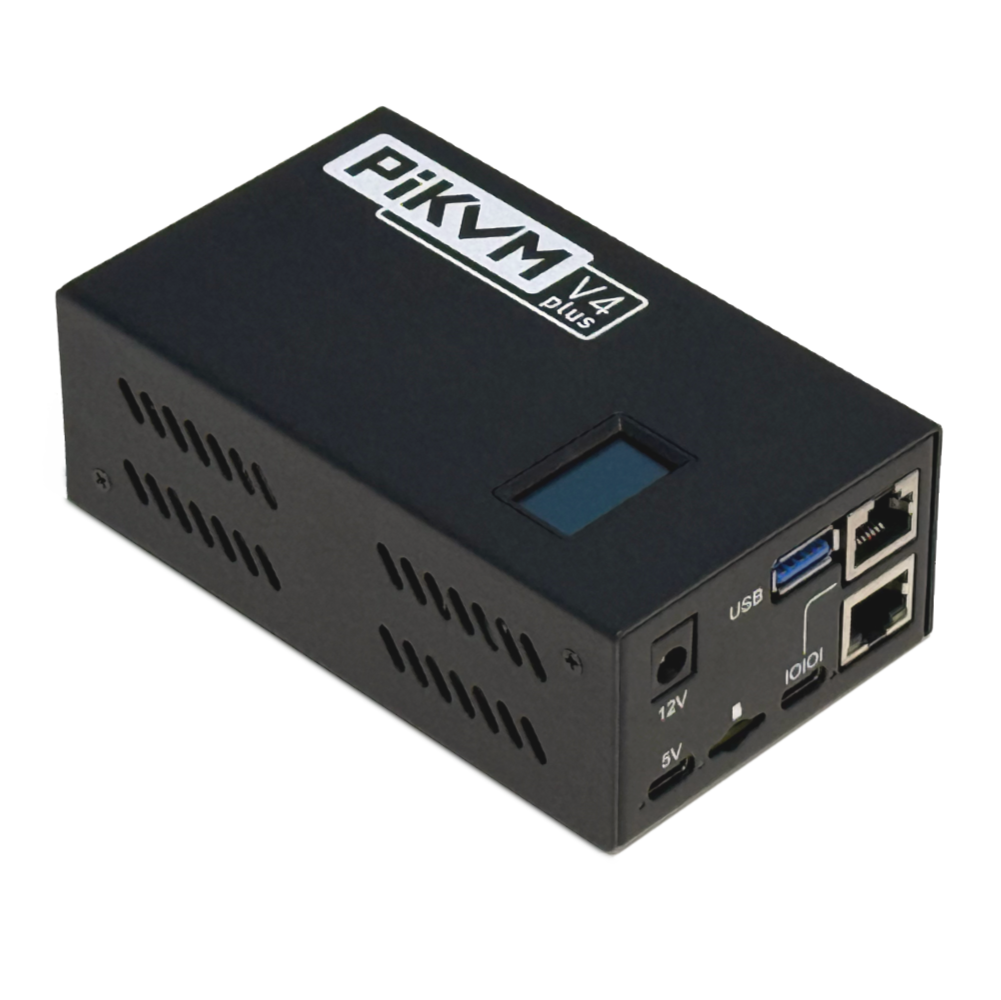 Premium Choice
PiKVM V4 Plus
The ultimate KVM over IP. Production-grade, open-source, with HDMI, cellular, and internal storage options.
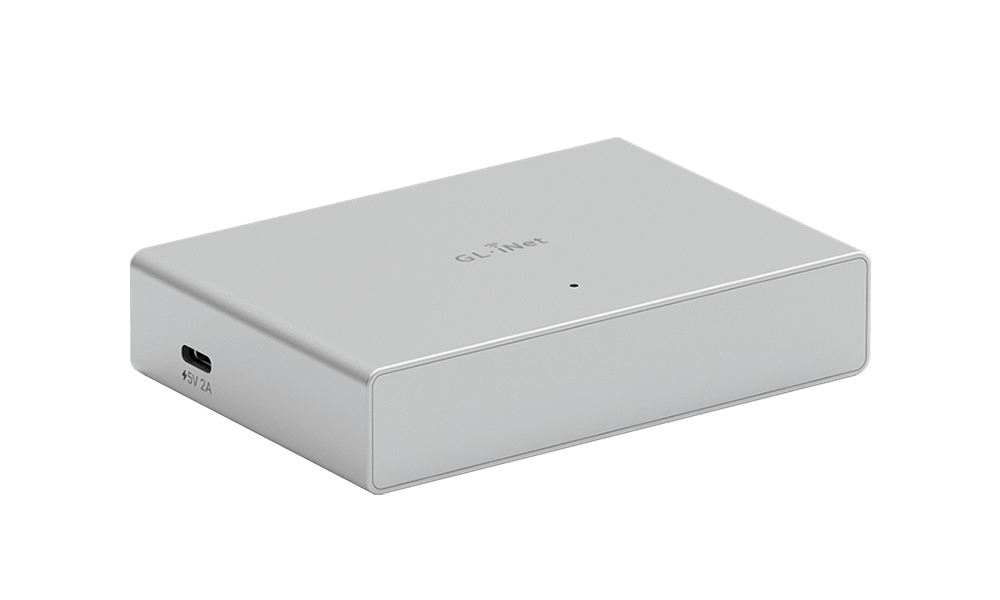 Cleanest Setup
GL.iNet Comet PoE (GL-RM1PE)
Compact remote KVM with Power over Ethernet (PoE). No extra power adapters needed. Built-in storage.
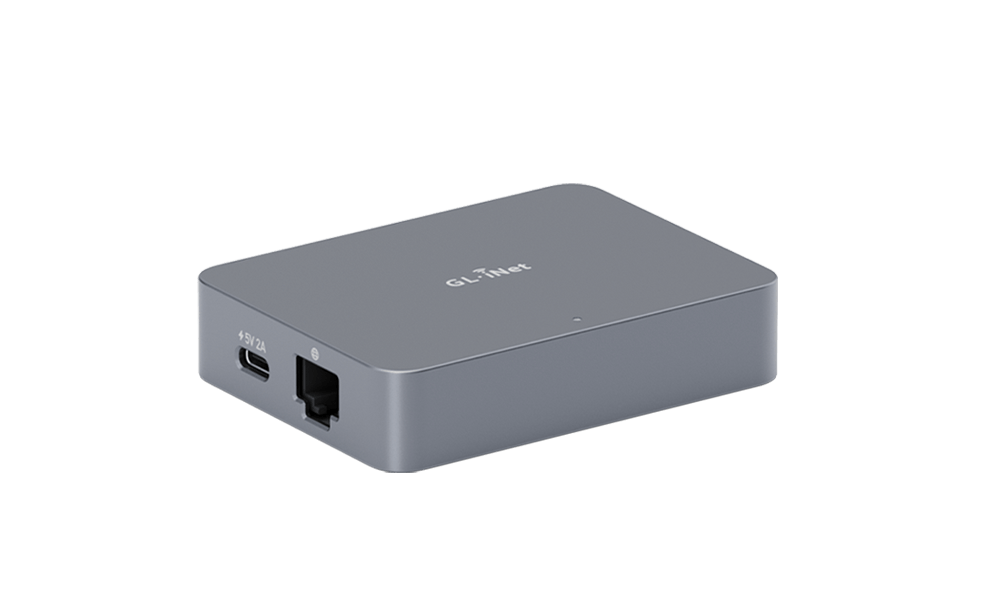 Best Value
GL.iNet Comet (GL-RM1)
Budget-friendly KVM over Internet. Supports Tailscale, 4K@30Hz, and remote OS installation.
* As an Amazon Associate we earn from qualifying purchases. This helps support PiKVM Watcher development.
Simple, transparent pricing
Start free, upgrade when you need more power.
Free
Perfect for getting started
- Real-time OCR detection
- Browser notifications
- Teams preset
- Custom ROI selection
- 5 webhooks per day
Pro Weekly
Flexible short-term monitoring
- Everything in Free
- Unlimited webhooks
- Custom keywords
- Save ROI settings per site
- Priority support
Pro Monthly
Most popular for power users
- Everything in Free
- Unlimited webhooks
- Custom keywords
- Save ROI settings per site
- Priority support
Pro Yearly
Best value — 2 months free
- Everything in Pro
- Save $5.88/year
- Billed annually
- Same great features
- Priority support
Frequently asked questions
Everything you need to know about PiKVM Watcher.